
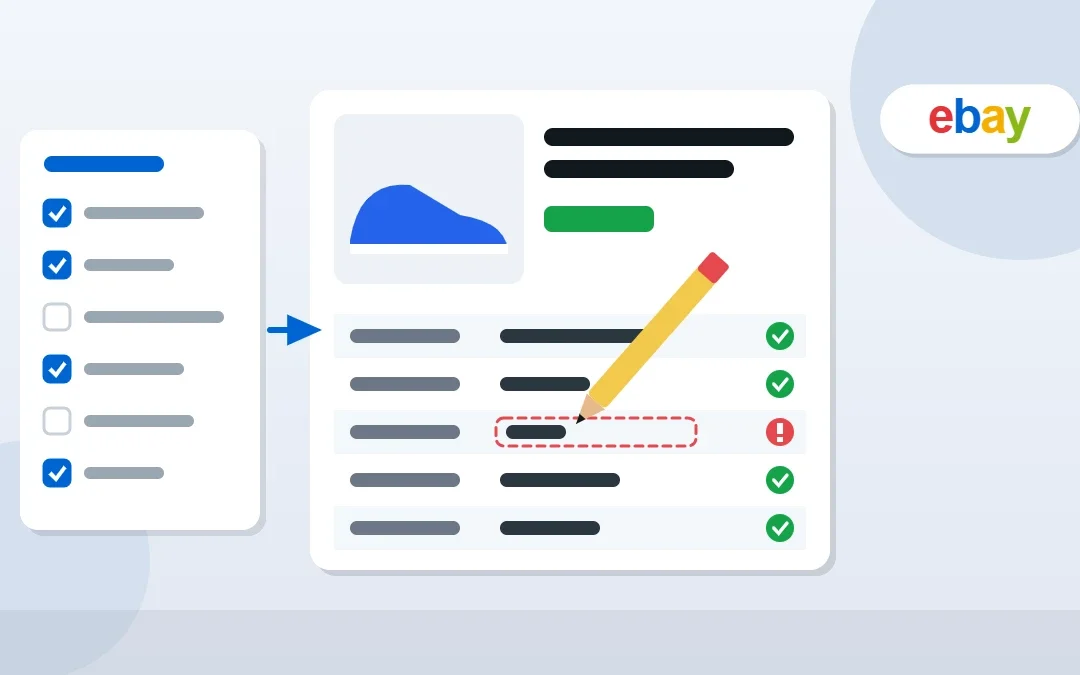
eBay item specifics are the small details like Brand, Size, Color and Type that buyers use to filter search results. Leave them empty or wrong and your listing quietly disappears from filtered searches, or eBay blocks you with errors like “item specifics missing” or “listing cannot be revised”. I manage eBay stores for sellers every day, and this guide explains what item specifics are, which ones matter most, how to fix every common error and how to update hundreds of listings in bulk.
Key Takeaways
- Item specifics are name and value pairs (Brand: Nike, Size: 10) that power eBay’s search filters.
- eBay marks some specifics as required; listings missing them can’t be published or revised until you add them.
- Filling in recommended specifics helps your items appear when buyers filter by brand, size, color and more.
- Use “Unbranded” or “Does not apply” only when it is genuinely true.
- You can fix many listings at once with Seller Hub bulk edit or a Seller Hub Reports upload.
Table of Contents
Free presentation for students & teachers
12 slides · PowerPoint (.pptx), opens in Google Slides & Keynote · free to use with credit
What Are Item Specifics on eBay?
Item specifics are structured details about your item, shown in a table on the listing page and used by eBay’s search filters on the left side of results. When a buyer clicks Brand: Levi’s or Size: 32, only listings with those exact specifics stay visible.
| Item specific | Example value |
|---|---|
| Brand | Levi’s |
| Size | 32 |
| Color | Blue |
| Type | Jeans |
| MPN | Does not apply |
| Condition details | New with tags |
Why Item Specifics Matter for Sales
- Search filters: buyers who filter results only see listings with matching specifics.
- Search visibility: complete, accurate details help eBay match your listing to buyer searches.
- Fewer returns: clear details reduce “not as described” returns, which protects your seller metrics.
- Off-eBay visibility: structured details help your items show up properly in external shopping results.
Required vs Recommended vs Optional
| Type | What it means | What to do |
|---|---|---|
| Required | eBay won’t publish or revise the listing without it | Always fill in with an accurate value |
| Recommended | Popular filters buyers use in that category | Fill in as many as you honestly can |
| Optional / custom | Extra details or your own custom specifics | Add useful details buyers search for |
Tip: Use the dropdown values eBay suggests whenever possible. Custom spellings such as “Navy Blu” may not match the buyer’s filter.
How to Fix Common Item Specifics Errors
| Error or problem | Why it happens | Fix |
|---|---|---|
| “Item specifics missing” / “Add [name] to this listing” | A required specific is empty | Open the listing, add the missing specific with a valid value, then submit |
| “Listing cannot be revised” | The listing is missing required specifics added since it was created | Add all required specifics first, then make your other edits |
| “Enter a valid value” | The value is in the wrong format or not allowed | Choose a value from eBay’s dropdown list |
| Specific not showing in filters | Value spelled differently from eBay’s standard value | Replace custom text with the suggested value |
| Wrong category specifics | Item listed in the wrong category | Move it to the correct category, then refill specifics |
How to Fill In Item Specifics Correctly
- Pick the most accurate category first, because each category has its own specifics.
- Fill every required specific, then the recommended ones.
- Use eBay’s dropdown values for brand, size, color and type.
- Use “Unbranded” for genuinely unbranded items and “Does not apply” for MPN only when there is none.
- Match the title and description: specifics must not contradict them.
- Add custom specifics for important details buyers search, such as model, era or material.
How to Update Item Specifics in Bulk
If you have dozens or hundreds of listings with missing specifics:
- In Seller Hub → Listings → Active, filter or select the listings you want to fix.
- Use Edit → Edit selected (bulk edit) to add the same specific, such as Brand or Department, to many listings at once.
- For larger catalogues, download your listings in Seller Hub Reports, fill in the item specifics columns in the CSV, and upload the file.
- Check the upload results for errors and fix any rejected rows.
Tip: Work category by category. Each category has different required specifics, so bulk updates are much cleaner when all selected listings share the same category.
Item Specifics Checklist Before You List
- Correct category selected
- All required specifics filled
- Recommended specifics filled (brand, size, color, type, material, style)
- Values chosen from eBay’s suggestions
- No contradictions with the title, photos or description
- Condition and condition description accurate
Pair this with a smart pricing plan: check your margins with my eBay fee calculator before you list.
Frequently Asked Questions
What are item specifics on eBay?
Item specifics are structured details about your item, such as brand, size, color and type. They appear in a table on your listing and power the search filters buyers use to narrow results.
Why does eBay say my listing cannot be revised?
Usually because the listing is missing item specifics that are now required in its category. Add every required specific with a valid value, then try your revision again.
What should I put if my item has no brand?
Use “Unbranded” for genuinely unbranded items. For MPN, use “Does not apply” only when the item truly has no manufacturer part number.
Do item specifics help eBay search ranking?
They help buyers find your items through filters and help eBay match your listing to searches. Complete, accurate specifics give your listing more chances to appear.
How do I add item specifics to many listings at once?
Use bulk edit in Seller Hub → Listings, or download your listings in Seller Hub Reports, add the specifics in the CSV file and upload it back.
Can a virtual assistant fix my eBay item specifics?
Yes. I audit eBay listings, fill missing item specifics in bulk and keep listings compliant for eBay sellers at $5–7 per hour.
Conclusion
Item specifics are one of the easiest wins on eBay. Fill every required specific, add the recommended ones, use eBay’s standard values and fix errors category by category. Your listings will show up in more filtered searches, pass eBay’s checks and get fewer returns.
eBay Virtual Assistant
Hundreds of listings missing item specifics? See my eBay virtual assistant service.

About the Author
Rahana Islam
Virtual Assistant & E-commerce Specialist with 7+ years of remote experience supporting businesses in the United States, Denmark and worldwide with WordPress, Shopify, Amazon, Walmart and eBay operations. Level 2 Fiverr seller with a 5.0★ rating from 167 reviews, an NSDA-certified trainer & assessor and the #1 LEDP earner of Dhaka district.
Need Your eBay Listings Cleaned Up?
I fix item specifics, titles and listing errors in bulk for eBay sellers at $5–7/hour.