
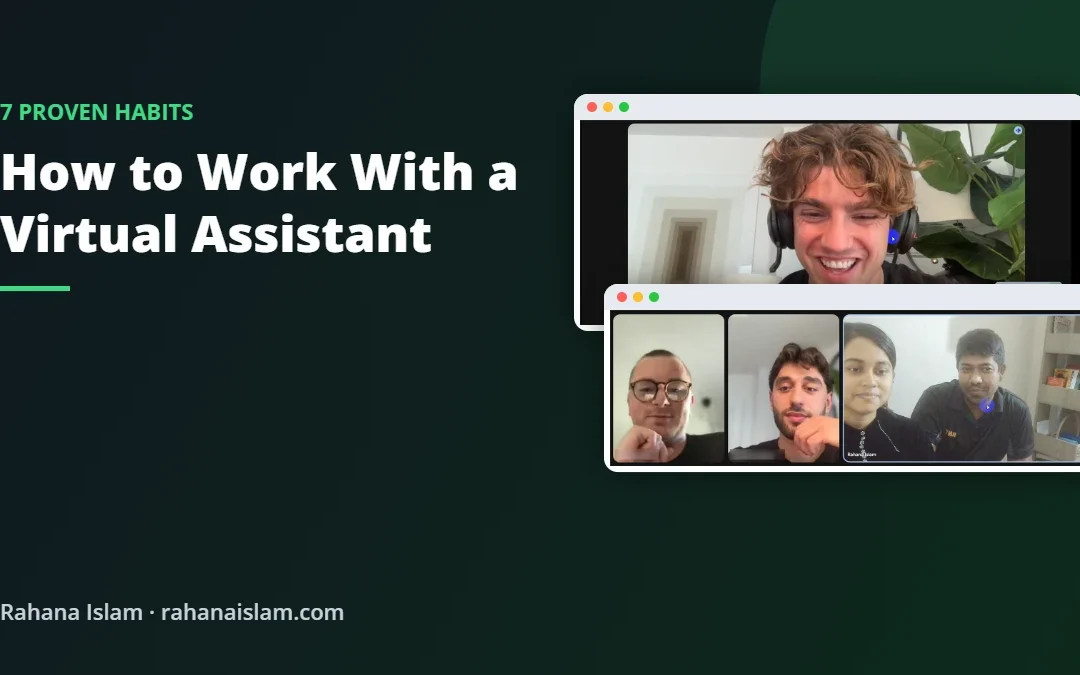
Hiring a virtual assistant is the easy part. Knowing how to work with a virtual assistant so the work actually gets done well is what makes the difference. I have worked remotely with 190+ clients in the US, Denmark and Europe for more than seven years, and the best partnerships all follow the same habits. Here they are, with real photos from my client meetings.
Key Takeaways
- Start with a kick-off video call, not just a list of tasks.
- Give access through user accounts, never by sharing your password.
- Train once on screen share, then turn it into a written SOP.
- Hold a short weekly check-in and agree how daily updates will work.
Table of Contents
- 1. Start With a Kick-Off Video Call
- 2. Give Safe Access, Not Your Password
- 3. Train Once on Screen Share, Then Write an SOP
- 4. Hold a Short Weekly Check-In
- 5. Keep All Tasks in One Place
- 6. Agree on Daily Updates and Response Times
- 7. Measure Results and Give Feedback
- Common Mistakes to Avoid
- How I Work With My Clients
- Frequently Asked Questions
- Conclusion
Real example
See real photos from my weekly calls with clients in Denmark, the USA and Europe
1. Start With a Kick-Off Video Call
The best working relationships start face to face. A 30-minute video call lets you explain your business, your goals and the tasks that take up most of your time. Your assistant can ask questions straight away instead of guessing.

Cover three things in the first call: what success looks like in the first month, which tasks come first, and how you prefer to communicate.
2. Give Safe Access, Not Your Password
Almost every platform lets you add a team member with limited permissions: Amazon User Permissions, Shopify staff accounts, eBay multi-user access, WordPress user roles, Google Workspace and ClickUp members. Use them. You keep control, you can see what was changed, and you can remove access in one click.
For any shared logins that cannot be avoided, use a password manager rather than sending passwords by chat or email.
3. Train Once on Screen Share, Then Write an SOP
The fastest way to teach a process is to show it. Share your screen and do the task once while your assistant watches and asks questions. Record the call if you can.
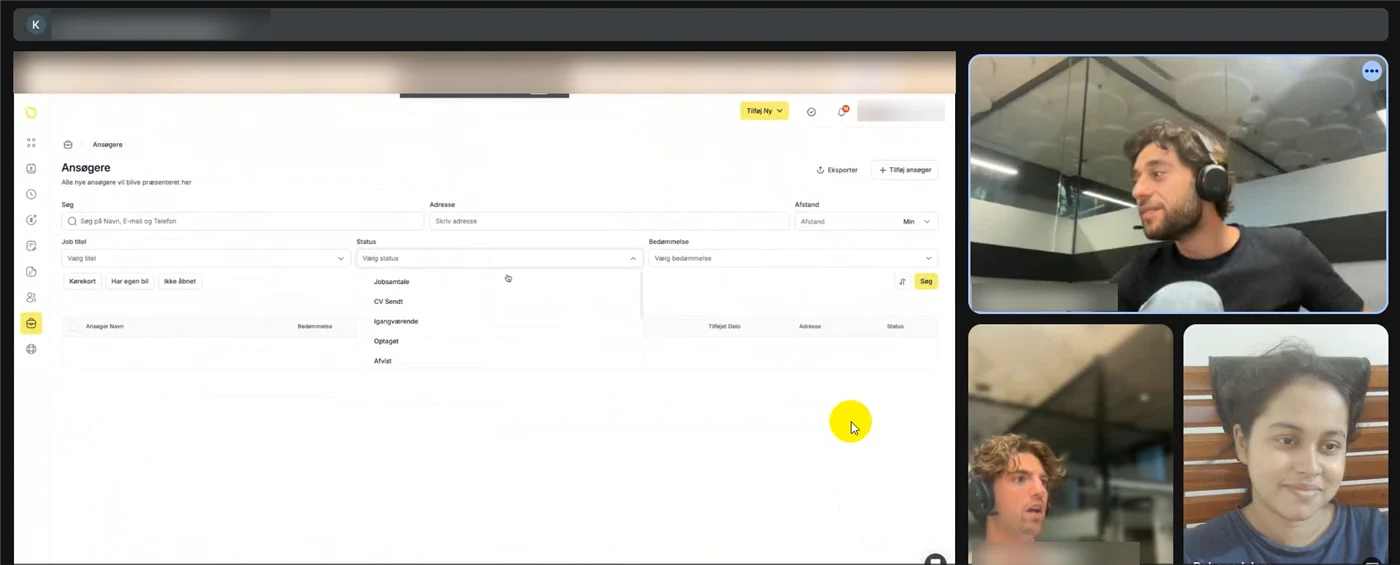
After the call, your assistant should turn it into a simple written SOP (standard operating procedure) with steps and screenshots. You only explain each process once, and the SOP keeps quality the same every time.
4. Hold a Short Weekly Check-In
A 20 to 30-minute call each week keeps everyone aligned. Review what was done, solve blockers and set the priorities for next week. It also builds the trust that turns a freelancer into a long-term team member.

Keep a running agenda in a shared document, so nothing is forgotten between calls.
5. Keep All Tasks in One Place
Tasks spread across WhatsApp, email and voice notes get lost. Pick one tool, such as ClickUp, Trello, Asana or even a shared Google Sheet, and put every task there with a due date and a short description. Your assistant updates the status as work moves forward.
For example, I built a daily FBM order profit workflow in ClickUp for one client, so every order was checked the same way each day. You can see it on my tools page.
6. Agree on Daily Updates and Response Times
Decide upfront how your assistant will report progress: a short end-of-day message, a weekly report or both. Agree on working hours and how quickly urgent messages should be answered, especially across time zones.

Working from Dhaka (GMT+6), I overlap with European mornings and US evenings, and send a written update so clients wake up to finished work.
7. Measure Results and Give Feedback
Track a few simple numbers that matter to you: listings created, orders shipped on time, response time to customers or hours saved. Share honest feedback in the weekly call. Small corrections early prevent big problems later.
Common Mistakes to Avoid
- Handing over everything at once. Start with two or three repeatable tasks, then add more.
- No written process. Without SOPs, quality depends on memory.
- Only communicating when something goes wrong. Regular check-ins prevent most problems.
- Sharing your main password. Use user accounts and permissions instead.
- Judging by hours, not results. Focus on what gets done.
How I Work With My Clients
Every new client starts with a free video call. After that we meet weekly on Google Meet or Zoom, and between calls I send short updates on WhatsApp, Slack or email. You can see real photos from these meetings, grouped by client, on my client meetings page.
Frequently Asked Questions
How do I start working with a virtual assistant?
Start with a kick-off video call to agree goals and first tasks, give access through user accounts, and train your assistant once on screen share before handing over the task.
How often should I meet my virtual assistant?
A short weekly check-in works for most businesses, with daily written updates in between. Busy stores may add a quick daily call during the first few weeks.
Should I give my virtual assistant my password?
No. Use team member accounts with limited permissions on platforms like Amazon, Shopify, eBay and WordPress, and a password manager for anything else.
What tools help when working with a virtual assistant?
A video call tool (Google Meet or Zoom), a task tool (ClickUp, Trello or Asana), a chat app (WhatsApp or Slack) and shared documents for SOPs.
Can a virtual assistant work in my time zone?
Many can overlap with your working hours. I work from Bangladesh (GMT+6) and cover European mornings and US evenings.
Budgeting for help? See how much a virtual assistant costs in 2026, with rates by country and a free calculator.
Conclusion
Working with a virtual assistant well comes down to a few habits: meet face to face, give safe access, train once and document it, keep tasks in one place and check in every week. Follow these and your assistant becomes a reliable part of your team rather than just another freelancer.
Virtual Assistant Services
Ready to try it? See my virtual assistant services or book a free video call on the contact page.
📌 Save this guide for later
Pin it to your Pinterest board so you can find it again when you need it.

About the Author
Rahana Islam
Virtual Assistant & E-commerce Specialist with 7+ years of remote experience supporting businesses in the United States, Denmark and worldwide with WordPress, Shopify, Amazon, Walmart and eBay operations. Level 2 Fiverr seller with a 5.0★ rating from 167 reviews, an NSDA-certified trainer & assessor and the #1 LEDP earner of Dhaka district.
Let’s Meet on a Free Video Call
Tell me about your business and I will suggest the first tasks to hand off. $5–7/hour.
