
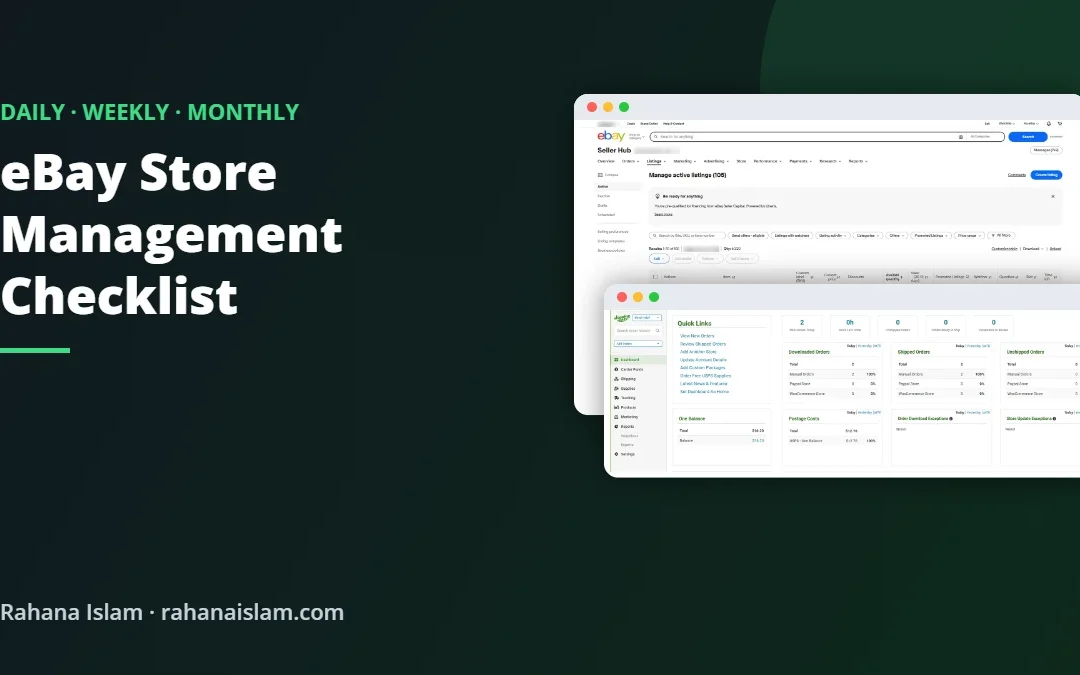
Good eBay store management is mostly routine. The sellers with the best results are not doing anything secret: they reply fast, ship on time, keep listings fresh and check their numbers every week. This is the checklist I use to manage an eBay store for a US retailer alongside Amazon and Whatnot.
Key Takeaways
- Daily: orders, tracking, messages, returns and cases.
- Weekly: listings, prices, Promoted Listings and seller performance.
- Monthly: fees, sell-through, stale stock and policies.
- A shared checklist lets a virtual assistant run the routine for you.
Table of Contents
Real example
See how I manage eBay next to Amazon and Whatnot for one retailer
Daily eBay Tasks
- Check new orders and awaiting-shipment items in Seller Hub.
- Print labels and ship before your handling time ends.
- Upload tracking for every order the same day.
- Reply to every buyer message within 24 hours (faster is better).
- Respond to offers and Best Offer requests.
- Handle return requests and “item not received” cases early.
- Check for unpaid items and cancellations.
- Update quantities if stock sold on another channel.
Weekly eBay Tasks
- List new products with keyword-rich titles, full item specifics and clear photos.
- Revise listings with low views: better titles, main photo or price.
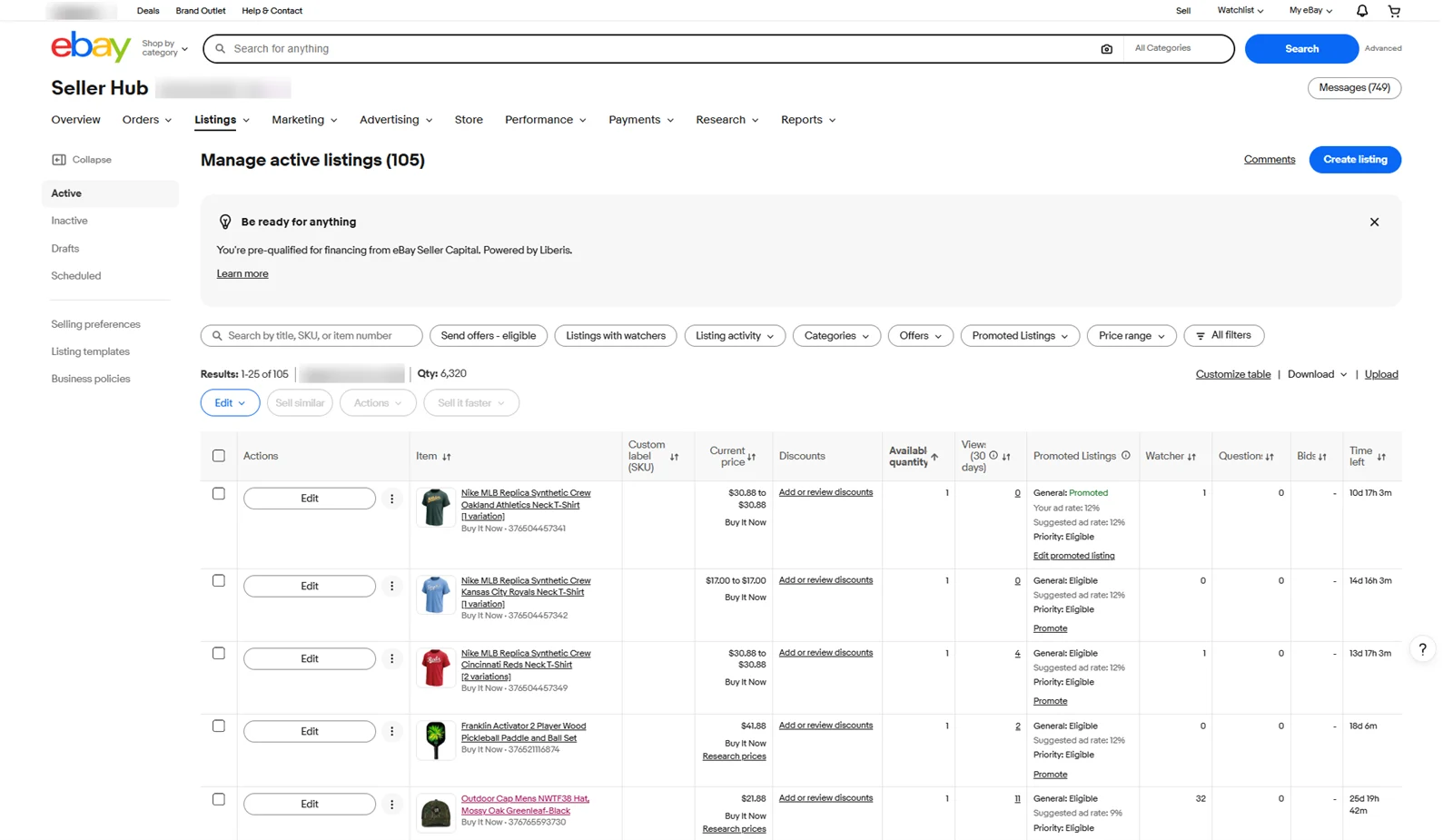
- Review Promoted Listings: ad rate, sales and which items to promote.
- Send offers to watchers on slow items.
- Check seller performance: transaction defect rate, late shipment rate and tracking uploaded on time.
- Answer listing questions and update descriptions if buyers keep asking the same thing.
- Relist or end stale listings that are not selling.
Monthly eBay Tasks
- Review fees: final value fees, ad fees and shipping label costs against sales.
- Check sell-through and identify slow-moving stock.
- Plan sales and markdowns through Seller Hub marketing tools.
- Review shipping and return policies.
- Check the listings quality report for improvement tips.
- Export a simple report for the owner: sales, net after fees, top items and issues.
Protect Your Seller Level
eBay evaluates sellers on a few key numbers. In Seller Hub, check Performance → Seller level regularly:
| Metric | What it means | How to protect it |
|---|---|---|
| Transaction defect rate | Cases and cancellations caused by you | Accurate listings, never cancel for out of stock |
| Late shipment rate | Orders shipped after handling time | Ship daily, set a realistic handling time |
| Tracking uploaded on time | Orders with valid tracking in time | Upload tracking the same day |
| Cases closed without seller resolution | Cases eBay had to step in on | Respond to every case quickly |
Listing Tips That Increase Sales
- Write titles the way buyers search: brand, model, key feature, size, colour.
- Fill in every item specific; eBay uses them for search filters.
- Use bright, clear photos with the main item filling the frame.
- Offer free or calculated shipping, and fast handling time.
- Use Promoted Listings on items with good margins.
Tools That Help
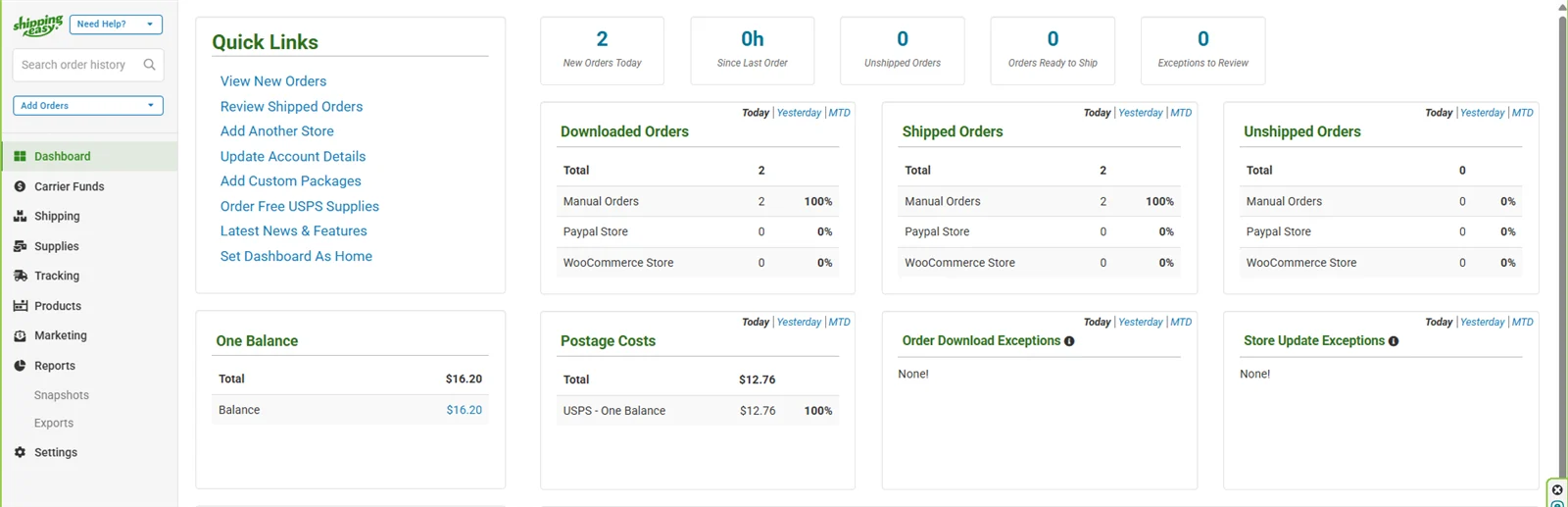
Seller Hub covers most of the work. A shipping tool like ShippingEasy speeds up labels for multichannel stores (see my shipping tools comparison), and a simple Google Sheet keeps stock in sync if you also sell on Amazon or Whatnot.
Outsource the Routine
This checklist takes one to three hours a day for an active store. Many sellers hand the daily and weekly tasks to a virtual assistant and keep the sourcing and pricing decisions. With eBay’s multi-user account access, you never need to share your password.
Frequently Asked Questions
What does eBay store management include?
Listing products, processing orders, uploading tracking, answering messages, handling returns and cases, running Promoted Listings and monitoring seller performance.
How do I run a successful eBay store?
Ship on time, reply fast, write clear listings with full item specifics, check your seller performance weekly and refresh listings that are not selling.
How many hours does eBay store management take?
An active store usually needs one to three hours a day, depending on order volume and how many new listings you add.
How can I protect my eBay seller level?
Upload tracking the same day, ship within your handling time, avoid cancellations and respond to every case quickly.
Can a virtual assistant manage my eBay store?
Yes. A virtual assistant can run the daily and weekly checklist through eBay’s multi-user access. I offer eBay store management at $5–7 per hour.
Budgeting for help? See how much a virtual assistant costs in 2026, with rates by country and a free calculator.
Conclusion
A successful eBay store is built on routine. Use this daily, weekly and monthly checklist to keep orders on time, listings fresh and your seller level safe, and hand it to an assistant when the store outgrows your time.
eBay Virtual Assistant Services
Want this checklist done for you? See my eBay virtual assistant services.
📌 Save this guide for later
Pin it to your Pinterest board so you can find it again when you need it.

About the Author
Rahana Islam
Virtual Assistant & E-commerce Specialist with 7+ years of remote experience supporting businesses in the United States, Denmark and worldwide with WordPress, Shopify, Amazon, Walmart and eBay operations. Level 2 Fiverr seller with a 5.0★ rating from 167 reviews, an NSDA-certified trainer & assessor and the #1 LEDP earner of Dhaka district.
Need Help Running Your eBay Store?
I handle listings, orders, messages and Promoted Listings for eBay sellers at $5–7/hour.