
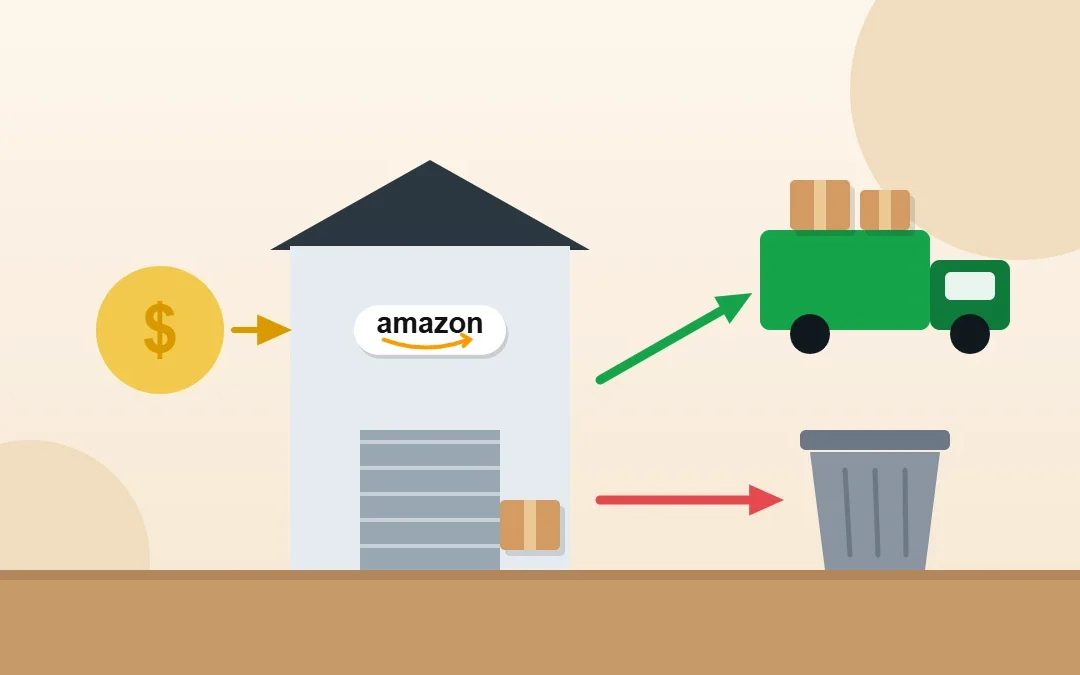
Old, slow-moving or unfulfillable FBA inventory costs you storage fees every month it sits in Amazon’s warehouse. A removal order lets you get it back or have Amazon dispose of it, but it isn’t free. I create and track removal orders for Amazon sellers regularly, and this guide explains how Amazon removal order fees work, when removal is worth it, and exactly how to create and track a removal order in Seller Central.
Key Takeaways
- A removal order either returns FBA inventory to an address you choose or disposes of it.
- Removal fees are charged per unit, based on the item’s size tier and shipping weight. Check Amazon’s current rate card.
- Remove inventory when storage and aged-inventory fees cost more than the units will earn.
- Create removals in Inventory → Manage FBA Inventory or from Amazon’s recommended removals.
- Track progress in the Removal Order Detail and Removal Shipment Detail reports.
Table of Contents
Free presentation for students & teachers
12 slides · PowerPoint (.pptx), opens in Google Slides & Keynote · free to use with credit
What Is an Amazon Removal Order?
| Option | What happens | Best for |
|---|---|---|
| Return | Amazon ships the units to an address you choose | Sellable stock you can sell elsewhere or fix and resend |
| Disposal | Amazon disposes of the units for you | Damaged, expired or low-value units |
| Liquidation (where available) | Amazon sells the units to a liquidator and pays you a portion | Sellable but slow-moving stock |
How Amazon Removal Order Fees Work
Amazon charges a per-unit removal fee for both returns and disposals. The fee depends on the item’s size tier (standard or oversize) and its shipping weight, and heavier or larger items cost more. Amazon updates these fees from time to time, so always check the current FBA removal and disposal fees page in Seller Central before you remove a large quantity.
Tip: Multiply the per-unit removal fee by the number of units, then compare it with the storage and aged-inventory fees you will pay if the stock stays. If the units are worth less than the fees, disposal or liquidation is often the better choice.
When Should You Create a Removal Order?
- Inventory has not sold for months and is collecting aged inventory surcharges.
- Units are unfulfillable (customer damaged, warehouse damaged, expired or defective).
- You are near your storage capacity limit and need space for better sellers.
- You want to sell the stock on another channel such as eBay or your own store.
- A listing has a problem you can’t fix while the stock sits in FBA.
How to Create a Removal Order in Seller Central
- Go to Inventory → Manage FBA Inventory.
- Select the SKUs you want to remove.
- From the action menu, choose Create removal order.
- Choose Ship to address (return) or Dispose.
- Enter the return address and the quantity of sellable and unfulfillable units for each SKU.
- Review the estimated fee and submit.
You can also act on Amazon’s Recommended removals in the FBA inventory pages, and set up automatic removal settings for unfulfillable inventory so it doesn’t pile up.
Tip: The return address usually needs to be in the same country as the marketplace. Sellers outside that country often use a prep center or a forwarder address.
How Long Do Removal Orders Take?
Removal orders are processed in the background and can take a couple of weeks or longer, especially during busy seasons. Large orders may arrive in several shipments from different fulfillment centers.
How to Track Removal Orders
| Report | What it shows |
|---|---|
| Removal Order Detail | Each removal order, its status and requested, shipped, cancelled and disposed quantities |
| Removal Shipment Detail | Carrier and tracking number for each shipment from Amazon |
| Inventory Ledger | Units leaving your inventory as removals and disposals |
Learn how to read the ledger in my Amazon Inventory Ledger guide. If units were removed but never arrived, or arrived damaged, check whether you are owed a reimbursement.
How to Avoid Paying Removal Fees
- Send smaller, more frequent shipments instead of months of stock.
- Fix stranded inventory quickly so it can sell.
- Run promotions or lower prices on slow sellers before they become aged inventory.
- Check FBA inventory health weekly so problems are caught early.
Frequently Asked Questions
How much does an Amazon removal order cost?
Amazon charges a per-unit fee for returns and disposals, based on the item’s size tier and shipping weight. Fees change over time, so check the current FBA removal and disposal fee page in Seller Central.
Is it cheaper to dispose of or return Amazon inventory?
It depends on the item. If the units are worth more than the removal fee plus shipping and handling on your side, returning them can make sense. Low-value or damaged units are usually better disposed of or liquidated.
How do I create a removal order on Amazon?
Go to Inventory → Manage FBA Inventory, select the SKUs, choose Create removal order, pick return or disposal, enter quantities and the address, then submit.
How long does an Amazon removal order take?
Usually a couple of weeks or longer, depending on the season and how many fulfillment centers hold your stock. Large removals can arrive in several shipments.
Can I cancel a removal order?
You can cancel a removal order while it is still pending and units have not been processed. Once units are being shipped or disposed of, cancellation may not be possible.
Can a virtual assistant manage removals for me?
Yes. I review aged and unfulfillable inventory, create removal orders and track them for Amazon sellers at $5–7 per hour.
Conclusion
Removal orders are a useful tool to stop paying storage fees on stock that isn’t selling. Compare the per-unit removal fee with ongoing storage costs, choose return, disposal or liquidation, and track every removal until it is complete. Better still, keep inventory lean so you rarely need them.
Amazon Virtual Assistant
Want your FBA inventory health managed for you? See my Amazon virtual assistant service.

About the Author
Rahana Islam
Virtual Assistant & E-commerce Specialist with 7+ years of remote experience supporting businesses in the United States, Denmark and worldwide with WordPress, Shopify, Amazon, Walmart and eBay operations. Level 2 Fiverr seller with a 5.0★ rating from 167 reviews, an NSDA-certified trainer & assessor and the #1 LEDP earner of Dhaka district.
Too Much Old Inventory at Amazon?
I clean up FBA inventory, create removals and track them at $5–7/hour.