
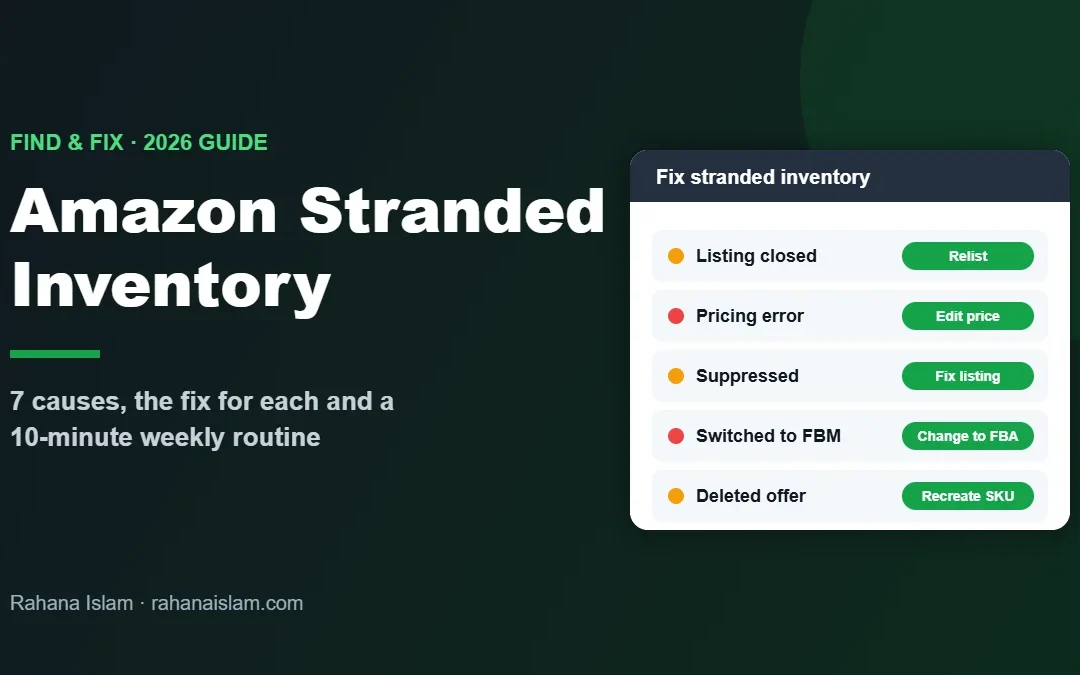
Amazon stranded inventory is FBA stock that sits in Amazon’s warehouses but cannot sell, because it is not connected to an active, buyable listing. Every day it stays stranded, you lose sales and keep paying storage fees. I check stranded inventory every week as part of my Amazon virtual assistant work for a US retailer with a 19,000+ product catalog, so this guide shows exactly how to find it, why it happens and how to fix each cause.
Key Takeaways
- Stranded inventory is FBA stock with no active offer, so customers cannot buy it.
- You find it on the Fix stranded inventory page in Seller Central, which shows each ASIN, the reason and a suggested action.
- The most common causes are closed or deleted listings, pricing errors, suppressed listings and listings switched to FBM.
- Fix it fast: stranded units still collect storage fees and can end up removed or disposed of.
- A 10-minute weekly check stops most stranded inventory before it costs you money.
Table of Contents
- What Is Amazon Stranded Inventory?
- Why Stranded Inventory Costs You Money
- How to Find Stranded Inventory in Seller Central
- 7 Common Causes of Stranded Inventory (and How to Fix Each)
- Relist, Remove or Dispose: How to Decide
- My 10-Minute Weekly Stranded Inventory Routine
- How to Prevent Stranded Inventory
- Frequently Asked Questions
- Conclusion
Real example
See how I manage Seller Central for a store with 48,000+ orders a year
What Is Amazon Stranded Inventory?
Amazon calls inventory “stranded” when units are in a fulfillment center but have no active offer on Amazon. The stock is physically there, yet the listing that should sell it is closed, deleted, suppressed or no longer set to Fulfilled by Amazon. Customers cannot buy it, so it simply waits on a shelf.
It is different from unfulfillable inventory (damaged or defective units) and from inbound stock that is still on its way. Stranded units are sellable products with a listing problem, which is good news: most of them can be fixed in minutes once you know the cause.
Why Stranded Inventory Costs You Money
- Lost sales: your best sellers can go “out of stock” on the listing while hundreds of units sit in the warehouse.
- Storage fees: Amazon keeps charging monthly storage fees on stranded units, and aged inventory surcharges if they stay long enough.
- Inventory performance: stranded stock has long been one of the factors Amazon uses in your Inventory Performance Index (IPI), which affects storage and capacity limits.
- Removal or disposal: if units stay stranded, Amazon can eventually remove or dispose of them according to your automated settings.
Tip: Open Settings → Fulfillment by Amazon and check your automated unfulfillable and removal settings, so stock is returned to you instead of disposed of by default.
How to Find Stranded Inventory in Seller Central
- Log in to Seller Central and open Inventory → Manage All Inventory.
- If you have stranded stock, a Fix stranded inventory link or alert appears near the top of the page. Click it.
- The Fix Stranded Inventory page lists every stranded ASIN and SKU with the number of units, the date it became stranded, the reason and a suggested action.
- Download the list (or the stranded inventory report) so you can work through it in a sheet, especially if you have many SKUs.
Amazon also emails you when inventory becomes stranded, but emails are easy to miss. A weekly manual check is much safer. For Amazon’s latest instructions, open Help in Amazon Seller Central and search for “Fix stranded inventory”.
7 Common Causes of Stranded Inventory (and How to Fix Each)
The reason column tells you what went wrong. These are the causes I see most often, with the fix for each:
| Cause | What it means | How to fix it |
|---|---|---|
| 1. Listing closed or inactive | The offer was closed manually or by a rule, so it is not live. | Use Relist on the Fix Stranded Inventory page, or reopen the offer in Manage All Inventory. |
| 2. Listing deleted | The SKU or offer was deleted, but FBA units still exist. | Recreate the offer with the same SKU and set it to Fulfilled by Amazon so the units reconnect. |
| 3. Pricing error | The price is far outside Amazon’s reference range or below your minimum price. | Correct the price, then check your minimum and maximum price settings. |
| 4. Suppressed listing | Missing image, title, category or other required detail. | Fix the listing details (see listing optimization checklist), then wait for it to become active. |
| 5. Switched to FBM | The offer was changed to Merchant Fulfilled while FBA stock remains. | Change the fulfillment channel back to Fulfilled by Amazon. |
| 6. Approval or compliance needed | Gated category, brand approval, dangerous goods review or missing documents. | Apply for approval or submit the requested documents; contact Seller Support if the tool cannot fix it. |
| 7. ASIN or variation change | The ASIN was merged, changed or removed from a variation family. | Match the SKU to the correct ASIN, or open a case with Seller Support to fix the catalog. |
If the reason is unclear or a fix does not work after 48 hours, open a case with Selling Partner Support and include the SKU, ASIN, FNSKU and number of units.
Relist, Remove or Dispose: How to Decide
Not every stranded unit is worth saving. For each SKU, ask:
- Does it still sell? If yes, relist it quickly. Every day stranded is lost revenue.
- Is the problem permanent? If you cannot get approval or the product is discontinued, create a removal order to get the units back.
- Are the units worth less than the removal fee? For very cheap or old stock, disposal or liquidation may cost less than return shipping.
Tip: Never let Amazon decide for you. Make the call within a week of the stock becoming stranded.
My 10-Minute Weekly Stranded Inventory Routine
This is the simple routine I run for clients every week. It takes about 10 minutes for most stores:
- Check the Fix stranded inventory page every Monday.
- Log each new stranded SKU in a sheet: date, SKU, ASIN, units, reason.
- Fix the quick ones immediately: relist, correct price, switch back to FBA.
- Escalate the rest: listing fixes, approvals or a Seller Support case.
- Re-check after 48 hours that the units are active and buyable.
- Decide on removal or disposal for anything still stuck after 2 weeks.
I combine this with the monthly FBA reimbursement audit, because stranded units and lost units are often found in the same reports.
How to Prevent Stranded Inventory
- Don’t delete FBA listings that still have stock. Close them or set the quantity instead.
- Check before switching to FBM. Sell through or remove FBA units first (see FBA vs FBM).
- Use price guardrails, so repricing tools cannot push a price outside the allowed range.
- Watch suppressed listings daily in Account Health and Manage All Inventory.
- Get approvals before you ship gated or dangerous-goods products to FBA.
- Only send stock to active, approved listings when you create shipments.
Free template: log stranded, lost and damaged units in my free Amazon FBA Excel template.
Frequently Asked Questions
What is stranded inventory on Amazon?
Stranded inventory is FBA stock in an Amazon fulfillment center that has no active offer, so customers cannot buy it. It usually happens because a listing was closed, deleted, suppressed, mispriced or switched to FBM.
How do I fix stranded inventory on Amazon?
Open Inventory, then Manage All Inventory, then Fix stranded inventory in Seller Central. Check the reason for each ASIN, then relist it, correct the price or listing details, switch it back to FBA or create a removal order.
Do I pay storage fees on stranded inventory?
Yes. Amazon keeps charging monthly storage fees, and aged inventory surcharges if the units stay long enough, even though stranded units cannot sell.
What happens if I don’t fix stranded inventory?
You lose sales, keep paying fees and the stock can hurt your inventory performance. Eventually Amazon may remove or dispose of the units based on your automated settings.
Can a virtual assistant fix stranded inventory?
Yes. A VA can check the stranded inventory page weekly, fix listings and prices, open Seller Support cases and arrange removals. I do this for Amazon sellers at $5–7 per hour.
Conclusion
Amazon stranded inventory is one of the easiest money leaks to fix. Check the Fix stranded inventory page every week, find the reason for each ASIN, fix the quick problems straight away and decide on removals within two weeks. With a simple routine and good listing habits, your FBA stock keeps selling instead of waiting on a shelf.
Amazon FBA Virtual Assistant
Want someone to check stranded inventory, listings and reimbursements every week? See my Amazon virtual assistant service.
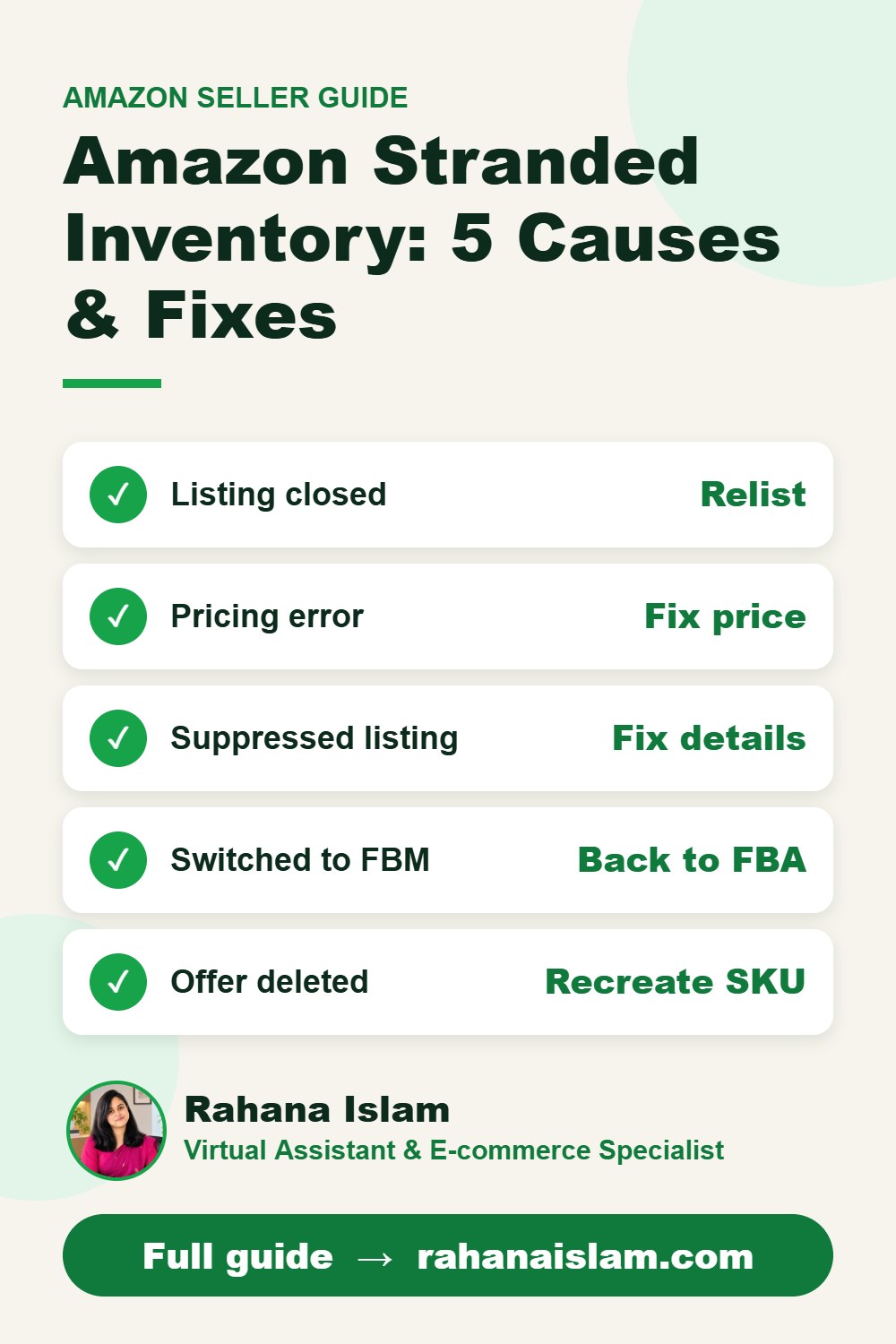
📌 Save this guide for later
Pin it to your Pinterest board so you can find it again when you need it.

About the Author
Rahana Islam
Virtual Assistant & E-commerce Specialist with 7+ years of remote experience supporting businesses in the United States, Denmark and worldwide with WordPress, Shopify, Amazon, Walmart and eBay operations. Level 2 Fiverr seller with a 5.0★ rating from 167 reviews, an NSDA-certified trainer & assessor and the #1 LEDP earner of Dhaka district.
Need Help With Stranded Inventory?
I fix stranded and suppressed listings, run weekly inventory checks and keep your account healthy at $5–7/hour.