
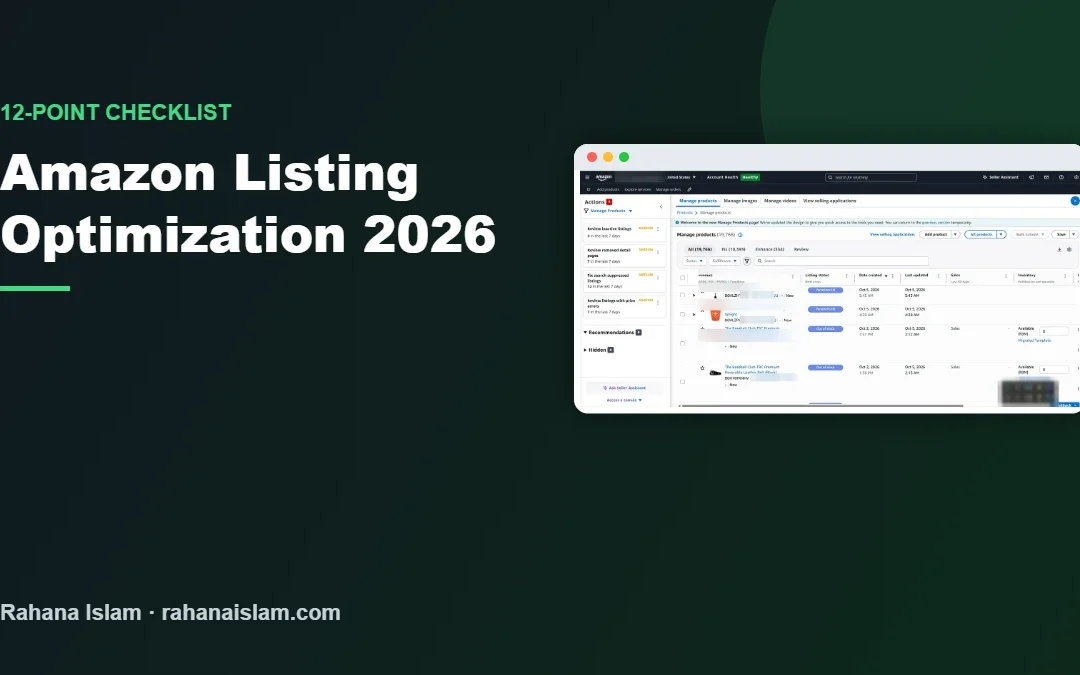
Amazon listing optimization changed a lot in 2026. Titles are now limited to 75 characters in most categories, a new Item Highlights field sits under the title, and more shoppers ask Amazon’s AI assistant Rufus instead of typing keywords. I manage listings for a US retailer with almost 20,000 products, and this is the 12-point checklist I use to keep listings visible and converting.
Key Takeaways
- Titles in most categories are now limited to 75 characters, with up to 125 extra characters in Item Highlights.
- Write for humans and AI: clear use cases, specifications and answers to buyer questions.
- Fill every attribute, use all image slots and keep backend search terms under 250 bytes.
- Review suppressed and inactive listings every week; they cost sales silently.
Table of Contents
- What Changed in Amazon Listing Optimization in 2026
- The 12-Point Amazon Listing Optimization Checklist
- Writing Great Titles in 75 Characters
- Bullet Points, Description and A+ Content
- Backend Search Terms
- How to Optimize Your Amazon Listing for Rufus
- A Weekly Listing Health Routine
- Frequently Asked Questions
- Conclusion
Real example
See how I manage a 19,766-product Amazon catalog for a US retailer
What Changed in Amazon Listing Optimization in 2026
- 75-character titles: from mid-2026, Amazon limits product titles to 75 characters (including spaces) in most non-media categories, down from up to 200.
- Item Highlights: a new field of up to 125 characters, shown below the title, holds the details that no longer fit. Amazon says both fields count for search.
- AI-assisted rewrites: Amazon may suggest or apply shorter titles for listings that are still too long, so it is better to rewrite them yourself.
- Rufus and AI shopping: shoppers increasingly ask full questions, and Amazon’s assistant answers using your listing, Q&A and reviews.
Policies change often and vary by category. Always confirm the current style guide for your category in Seller Central.
The 12-Point Amazon Listing Optimization Checklist
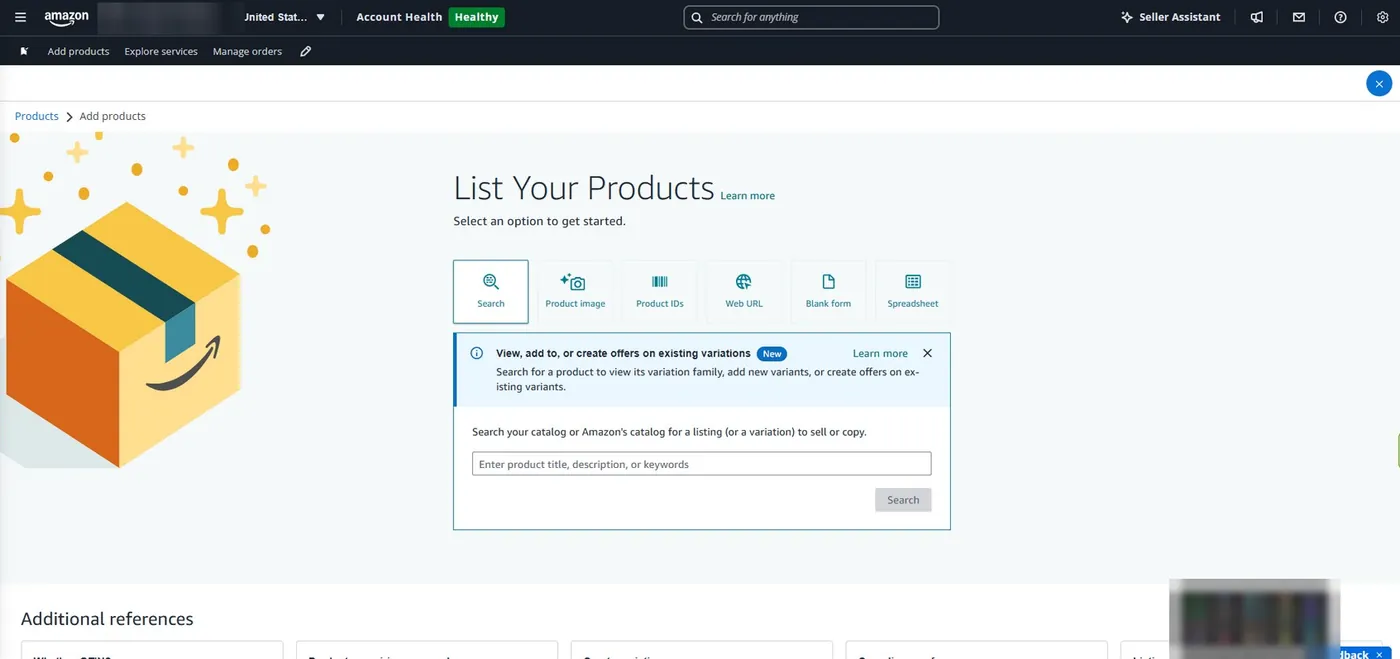
| # | Check | Why it matters |
|---|---|---|
| 1 | Title is 75 characters or less: brand + product type + key feature + size/quantity | Avoids suppression and Amazon rewrites; reads well on mobile |
| 2 | Item Highlights used for the next most important details | Extra searchable space directly under the title |
| 3 | No repeated words, promotional phrases or special characters in the title | These break Amazon’s title rules |
| 4 | Five clear bullet points: benefit first, then the detail | Most shoppers scan bullets before buying |
| 5 | Description or A+ Content explains use cases and answers objections | Improves conversion and gives Rufus more to work with |
| 6 | Backend search terms under 250 bytes, no repeats, no competitor brands | Adds synonyms and long-tail terms without clutter |
| 7 | Every relevant attribute filled (size, material, colour, age range, compatibility) | Attributes power filters and AI answers |
| 8 | Main image on pure white, product fills most of the frame | Required for the main image and helps click-through |
| 9 | All image slots used: lifestyle, infographic, size chart, in-box contents | Answers questions visually and reduces returns |
| 10 | Q&A and reviews checked for repeated questions; listing updated to answer them | Rufus pulls answers from these sources |
| 11 | Price, Buy Box and stock checked | A perfect listing without the Buy Box or stock will not sell |
| 12 | No suppressed, stranded or inactive status | Hidden listings earn nothing; check weekly |
Writing Great Titles in 75 Characters
Lead with what the product is, then the detail buyers filter by. A simple formula:
Brand + Product type + Key feature + Size/Quantity
Example: Acme Youth Baseball Belt, Elastic Adjustable, Fits 22–32 in, Pack of 2 (70 characters)
Move secondary details such as colours, materials and use cases into Item Highlights and the bullet points.
Bullet Points, Description and A+ Content
- Start each bullet with the benefit in capitals or bold, then the supporting detail.
- Cover the five things buyers ask most: what it does, what it is made of, size and fit, what is in the box, and care or warranty.
- Use natural phrases buyers would say out loud, not lists of keywords.
- Brand-registered sellers should use A+ Content with comparison charts and lifestyle images.
Backend Search Terms
Use the backend search terms field for synonyms, alternative spellings and related terms that do not fit naturally in the visible listing. Keep it under 250 bytes, separate words with spaces, avoid repeating title words, and never include competitor brand names or offensive terms.
How to Optimize Your Amazon Listing for Rufus
- Describe use cases clearly: who the product is for and when to use it.
- Answer real questions: compatibility, sizing, materials, setup and how it compares to alternatives.
- Keep specs structured: filled attributes and comparison charts are easier for AI to read.
- Watch your Q&A and reviews: recurring questions are a sign the listing is missing information.
- Use images that explain features, with readable text on infographics.
A Weekly Listing Health Routine
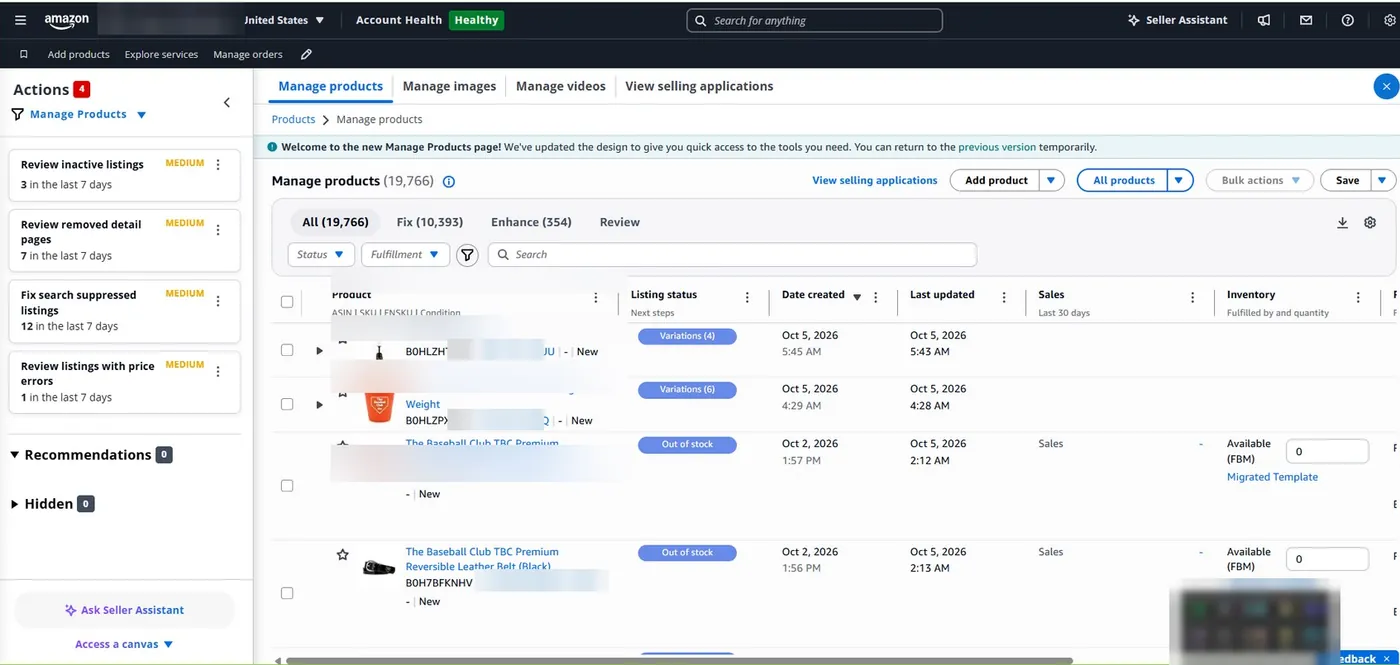
- Filter Manage All Inventory for suppressed, inactive and stranded listings and fix them in batches by issue type.
- Check Amazon’s “improve listing quality” suggestions.
- Review new questions and reviews for missing information.
- Update titles that Amazon has flagged as too long.
- Track sessions and conversion rate for your top products in Business Reports.
This is the routine I run for a 19,766-product catalog. See the full Amazon case study.
Frequently Asked Questions
What is the character limit for Amazon titles in 2026?
In most non-media categories, Amazon now limits product titles to 75 characters including spaces, with a separate Item Highlights field of up to 125 characters for extra details. Check your category style guide in Seller Central.
How do I optimize my Amazon listing?
Write a clear 75-character title, use Item Highlights, five benefit-led bullet points, a helpful description or A+ Content, complete attributes, all image slots and backend search terms under 250 bytes, then fix any suppressed listings weekly.
How do I optimize my listing for Amazon Rufus?
Explain use cases clearly, answer common buyer questions in the listing, fill structured attributes and comparison charts, and use Q&A and reviews to find missing information.
How long are Amazon backend search terms?
Keep backend search terms under 250 bytes, using spaces between words, no repeats of title words and no competitor brand names.
Can a virtual assistant optimize Amazon listings?
Yes. A trained Amazon VA can rewrite titles, bullets and backend keywords, fill attributes, fix suppressed listings and track results. I do this for sellers at $5–7 per hour.
Conclusion
Amazon listing optimization in 2026 is about clarity: short, precise titles, useful Item Highlights, complete attributes and content that answers real buyer questions for both shoppers and Rufus. Work through the 12-point checklist for your top products first, then build a weekly routine to keep every listing healthy.
Amazon FBA Virtual Assistant
Want your listings optimized and kept healthy every week? See my Amazon virtual assistant service.
📌 Save this guide for later
Pin it to your Pinterest board so you can find it again when you need it.

About the Author
Rahana Islam
Virtual Assistant & E-commerce Specialist with 7+ years of remote experience supporting businesses in the United States, Denmark and worldwide with WordPress, Shopify, Amazon, Walmart and eBay operations. Level 2 Fiverr seller with a 5.0★ rating from 167 reviews, an NSDA-certified trainer & assessor and the #1 LEDP earner of Dhaka district.
Need Your Amazon Listings Optimized?
I rewrite titles, bullets and keywords and fix suppressed listings for Amazon sellers at $5–7/hour.