
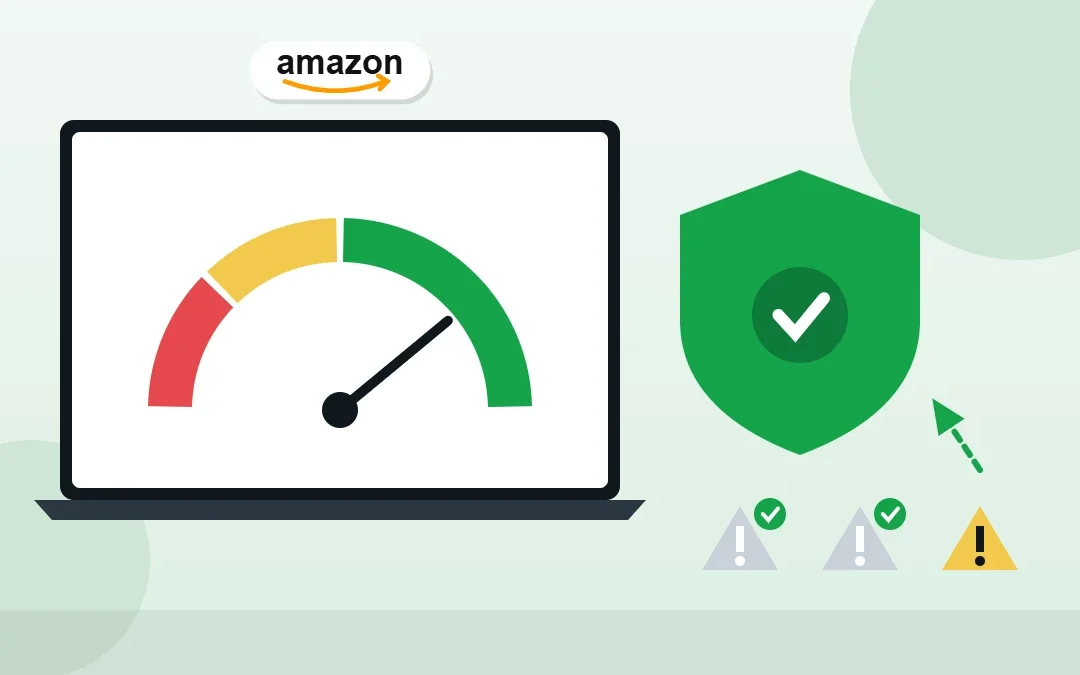
Your Amazon Account Health Rating (AHR) is the score Amazon uses to decide whether your seller account is safe, at risk or close to deactivation. A single unanswered policy warning can push it down fast. I check account health every day as an Amazon virtual assistant for a US retailer, and this guide explains how the rating works, what lowers it and the exact steps to bring it back to Healthy.
Key Takeaways
- The Amazon Account Health Rating is a score from 0 to 1,000: 200+ is Healthy, 100–199 is At Risk and 99 or lower is Unhealthy.
- New sellers start at 200. Points are deducted for policy violations based on their severity, and regained when issues are fixed or expire.
- A critical violation can drop the score to zero with only a short grace period before deactivation.
- Performance targets matter too: order defect rate under 1%, late shipment rate under 4% and pre-fulfillment cancel rate under 2.5%.
- Check the Account Health dashboard every day and respond to every warning quickly.
Table of Contents
Free presentation for students & teachers
11 slides · PowerPoint (.pptx), opens in Google Slides & Keynote · free to use with credit
Real example
See how I manage Seller Central for a store with 48,000+ orders a year
What Is the Amazon Account Health Rating?
The Account Health Rating is a colour-coded score from 0 to 1,000 on your Account Health page in Seller Central. It reflects how well you follow Amazon’s selling policies, based on your activity and any policy violations from roughly the last 180 days.
| Status | Score | What it means |
|---|---|---|
| Healthy (green) | 200–1,000 | Your account is in good standing. |
| At Risk (yellow) | 100–199 | Your account could be deactivated if issues are not fixed. |
| Unhealthy (red) | 0–99 | Your account is at high risk of deactivation or already restricted. |
All new sellers start at 200. Amazon’s official explanation is on its Account Health Rating program policy page.
What Lowers Your Account Health Rating?
Amazon deducts points for policy violations, weighted by severity (critical, high, medium and low). The most common causes I see:
- Intellectual property complaints: trademark, copyright or patent claims from brands.
- Authenticity complaints: buyers or Amazon questioning whether items are genuine.
- Product safety and condition complaints: “used sold as new”, damaged or unsafe items.
- Restricted products and listing policy violations: listing items that need approval or breaking listing rules.
- Customer product reviews policy violations: for example, asking for positive reviews.
Tip: A critical violation can turn the score red and set it to zero, with only a short grace period to act before deactivation. Never ignore a warning email from Amazon.
Performance Metrics to Watch
The rating focuses on policy compliance, but Amazon also expects you to meet its customer service performance targets. Missing them can lead to warnings and restrictions:
| Metric | Target | What it measures |
|---|---|---|
| Order Defect Rate (ODR) | Under 1% | Orders with negative feedback, A-to-z claims or chargebacks |
| Late Shipment Rate | Under 4% | Seller-fulfilled orders confirmed as shipped late |
| Pre-fulfillment Cancel Rate | Under 2.5% | Seller-fulfilled orders you cancel before shipping |
| Valid Tracking Rate | 95% or higher | Seller-fulfilled shipments with valid tracking |
The last three apply mainly to seller-fulfilled (FBM) orders. If you are deciding between the two models, see Amazon FBA vs FBM.
How to Check Your Account Health
- In Seller Central, open Performance → Account Health.
- Look at the Account Health Rating score and colour at the top.
- Review each policy category for open issues, and the customer service and shipping performance sections.
- Open any item marked as needing action to see what Amazon wants.
How to Improve Your Account Health Rating
- Respond to every open issue. Read the notice, then fix the listing, provide documents (like invoices) or submit an appeal through the Account Health page.
- Remove or correct the problem listings behind IP, authenticity or listing policy complaints.
- Contact rights owners when an IP complaint was made in error, and ask them to retract it.
- Fix the root cause so it doesn’t happen again: better sourcing, accurate condition, correct product details.
- Improve customer service: answer messages within 24 hours, ship on time and upload tracking.
- Watch the score recover as issues are resolved or age out of the window.
My Daily Account Health Routine
This is the 10-minute check I run every morning for my client:
- Open Account Health and note the score and any new notifications.
- Check the Performance Notifications inbox for warnings.
- Clear buyer messages that are close to 24 hours old.
- Confirm yesterday’s FBM orders shipped with valid tracking.
- Flag any listing complaint to the owner the same day.
Combined with the weekly stranded inventory check and monthly reimbursement audit, this keeps the account healthy and money flowing.
Frequently Asked Questions
What is a good Amazon Account Health Rating?
Anything from 200 to 1,000 is Healthy (green). Scores from 100 to 199 are At Risk, and 99 or lower is Unhealthy.
What score do new Amazon sellers start with?
All new sellers start with an Account Health Rating of 200.
How do I raise my Amazon Account Health Rating?
Resolve every open policy issue on the Account Health page by fixing listings, providing documents or appealing, and fix the root cause so it does not happen again. Points come back as issues are resolved.
Does Order Defect Rate affect account health?
Yes. Amazon expects an Order Defect Rate under 1%. A higher rate can lead to warnings and restrictions on your account.
Can a virtual assistant monitor my account health?
Yes. A VA can check the Account Health page daily, answer buyer messages, confirm tracking and flag complaints early. I do this for Amazon sellers at $5–7 per hour.
Conclusion
Your Amazon Account Health Rating is your account’s early-warning system. Keep it above 200 by responding to every issue quickly, fixing the cause and meeting the performance targets. A short daily check is the easiest way to protect your selling account.
Amazon Virtual Assistant
Want someone to watch your account health every day? See my Amazon virtual assistant service.
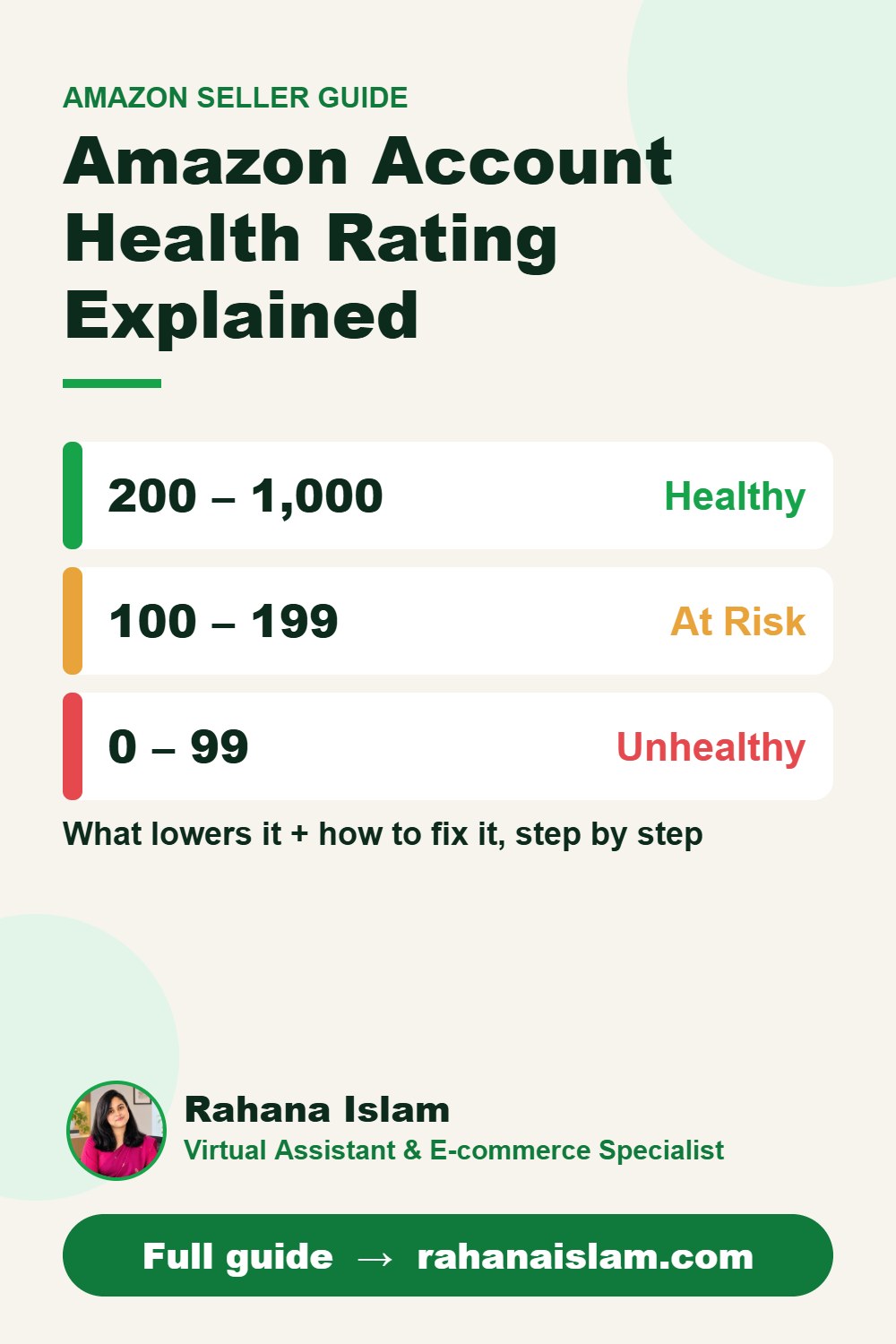
📌 Save this guide for later
Pin it to your Pinterest board so you can find it again when you need it.

About the Author
Rahana Islam
Virtual Assistant & E-commerce Specialist with 7+ years of remote experience supporting businesses in the United States, Denmark and worldwide with WordPress, Shopify, Amazon, Walmart and eBay operations. Level 2 Fiverr seller with a 5.0★ rating from 167 reviews, an NSDA-certified trainer & assessor and the #1 LEDP earner of Dhaka district.
Worried About Your Account Health?
I monitor account health, answer buyers and fix listing issues daily at $5–7/hour.